Create Presentation From Wikipedia Online for Free
Turn any Wikipedia article into a ready-to-present slide deck. Paste a Wikipedia link, and our AI will extract the most important facts, structure them logically, and generate a beautiful PowerPoint.
 AI PowerPoint Generator
Need a presentation without starting from scratch?
Instead of staring at a blank slide for hours, let our AI generate a full, beautifully formatted PowerPoint deck for you in seconds.
How to use the Wikipedia to Presentation tool in 3 steps
Three simple steps to get your result instantly.
Enter URL
Paste the URL of any Wikipedia article. Processed locally in your browser for 100% privacy.
Wikipedia
Our AI reads the page and extracts the key information. Our engine instantly analyzes and optimizes your document.
Download Result
Download a fully designed, structured PowerPoint presentation. Get your results instantly with no watermarks.
How to use the Wikipedia to Presentation tool
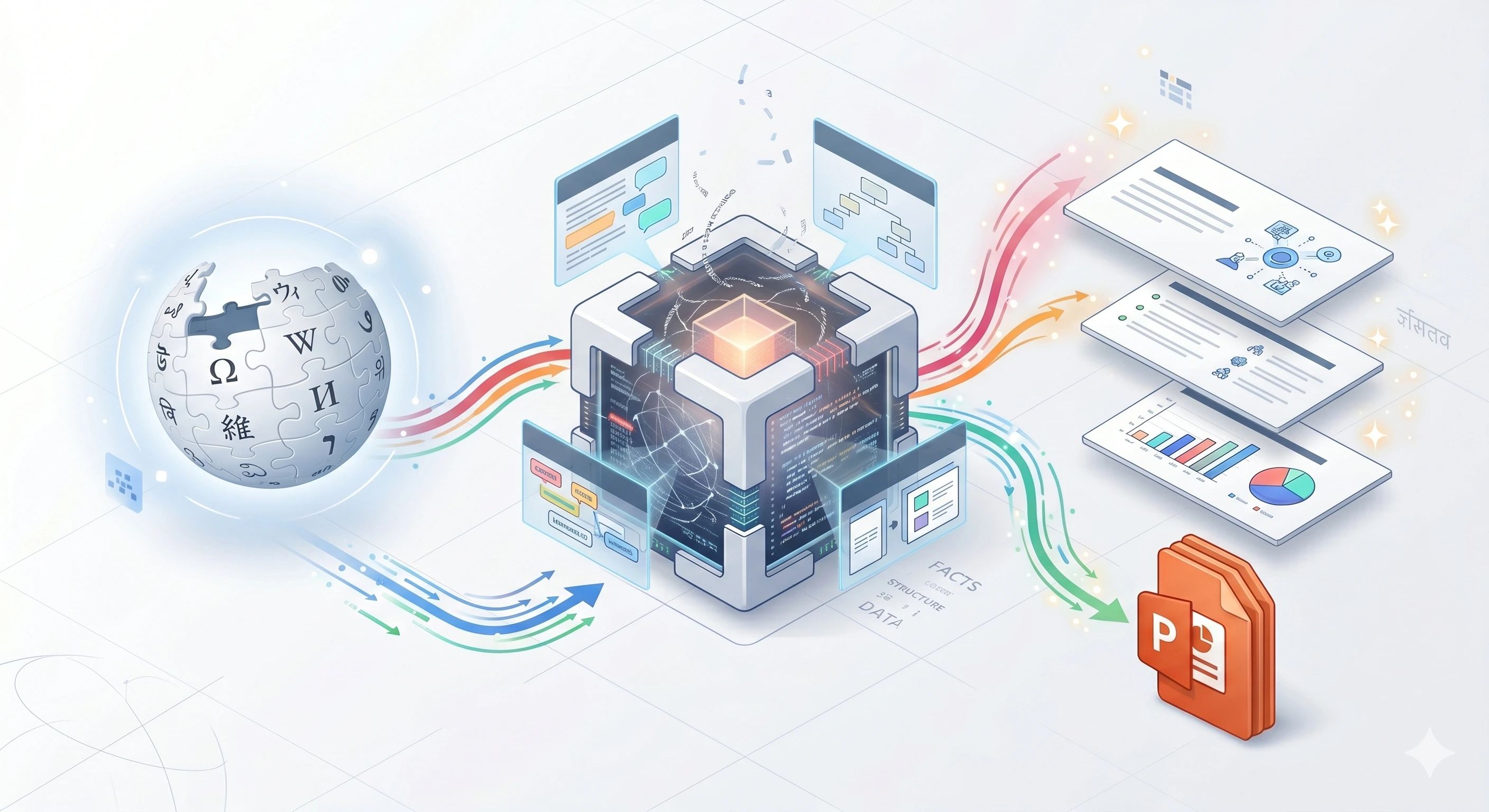
Wikipedia is the greatest repository of human knowledge, but presenting that knowledge effectively requires structuring, summarizing, and designing. If you are tasked with giving a presentation on a historical event, a scientific concept, or a famous biography, reading through a massive Wikipedia page to build slides can take hours. Our Wikipedia to Presentation AI automates this entirely.
By feeding the AI a Wikipedia URL, our engine digests the article's structure—reading the introduction, the key sections, and the conclusion. It extracts the most salient facts, ignores the fluff, and automatically generates a narrative arc suitable for a presentation. It outputs a fully formatted PowerPoint file, complete with section headers, bulleted summaries, and relevant imagery. It is the ultimate shortcut for educators, students, and researchers.
Top Use Cases for our Wikipedia to Presentation tool
Historical Reports
Paste the URL for the 'Apollo 11' Wikipedia page and receive a chronological presentation of the moon landing.
Biography Presentations
Instantly generate a presentation covering the early life, major achievements, and legacy of a historical figure.
Scientific Overviews
Translate a dense, complex Wikipedia article about Quantum Mechanics into an accessible, high-level overview presentation.
Who is our Wikipedia to Presentation tool for?
Instantly generate introductory lesson slides on historical events or scientific concepts to use in the classroom.
Processing Engine Stats
Secure and rapid ai operations
Whether you're handling a single page or a massive deck, our dedicated infrastructure ensures reliable, instant results for all your processing needs.
<19s
Avg. processing time
98%
Layout accuracy
216+
Pages supported
27K+
Files processed
See why users choose us to use our Wikipedia to Presentation tool
 InfoBlog
Why use our Wikipedia to Presentation tool?
Intelligently summarizes dense Wikipedia articles
Maintains logical section structures
Automatically generates professional slide designs
Files are automatically deleted after processing.

Perfect for educational and research purposes
No hidden subscriptions
Instant generation
Start processing your files immediately. We've removed all friction so you can get your work done faster.
Universal Access
Works beautifully on any device or operating system.
Frequently Asked Questions about Wikipedia to Presentation
Will the presentation include all the text from the article?
No, that would result in terrible slides! Our AI acts as an expert editor, summarizing the massive article into concise, highly readable bullet points perfect for presenting.
Is Wikipedia to Presentation secure to use?
Yes, absolutely. We prioritize your privacy and security. Any files uploaded for processing are automatically and permanently deleted from our servers shortly after your session ends. We do not store, share, or analyze your personal documents.
Do I need to download or install any software to use this tool?
No, Wikipedia to Presentation is entirely cloud-based. You can access and use all of its features directly from your web browser on any device, without needing to install complicated software or browser extensions.
Can I use Wikipedia to Presentation on my mobile phone or tablet?
Yes! Our platform is fully responsive and optimized for mobile devices. Whether you are on an iPhone, iPad, or Android device, you can use the tool seamlessly on the go.
Is there a limit on the file size I can upload?
Currently, we support processing files up to 200MB in size. This accommodates the vast majority of standard presentations and documents. If your file is larger, we recommend compressing it before using the tool.
