Extract Videos from PowerPoint Online for Free
Need to pull the embedded videos out of a large PowerPoint presentation? Upload your .pptx file and instantly download every single video file. All processing happens locally in your browser — your presentation never leaves your device.



Drag & drop your file here
or click to browse
AI PowerPoint GeneratorNeed a presentation without starting from scratch?
Instead of staring at a blank slide for hours, let our AI generate a full, beautifully formatted PowerPoint deck for you in seconds.
How to extract Videos from PowerPoint in 3 steps
Three simple steps to get your result instantly.
Upload Document
Drag & drop your .pptx file or click to browse. Processed locally in your browser for 100% privacy.
Extract
We unpack the file and scan for all embedded video content. Our engine instantly analyzes and optimizes your document.
Download Result
Download all extracted videos as a .zip file. Get your results instantly with no watermarks.
How to extract Videos from PowerPoint
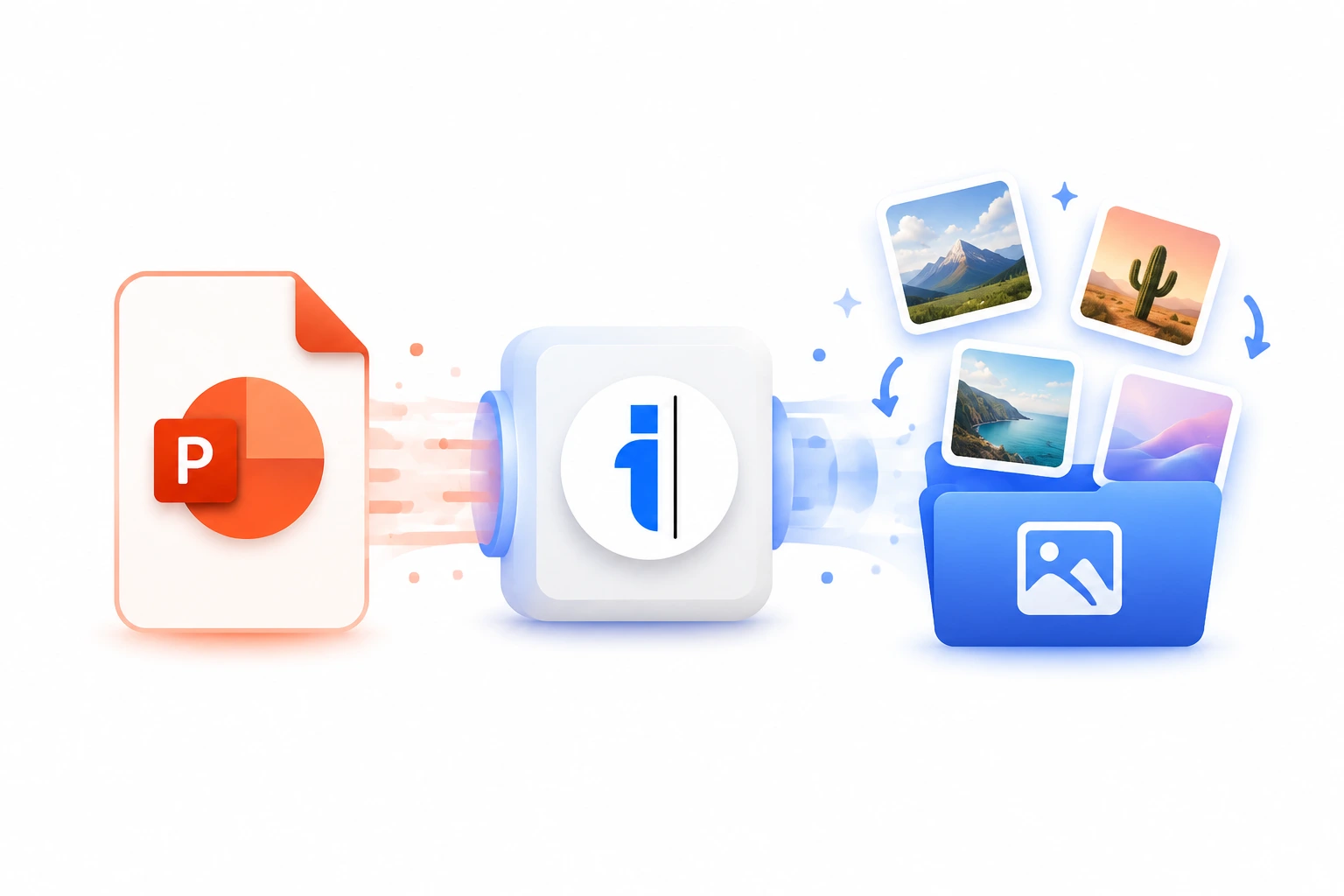
Presentations are increasingly relying on rich media, often containing gigabytes of embedded video files. When you need the original raw video footage from a slide deck—whether to upload it to YouTube, edit it in Premiere Pro, or share it on social media—getting it out of PowerPoint can be a massive headache. Our Video Extraction Tool directly targets the media folder within the .pptx archive, instantly isolating every single MP4, MOV, or WMV file.
Because video files are large and sensitive, uploading a 500MB PowerPoint to a random online converter is both slow and a massive security risk. Our tool performs the extraction 100% locally in your browser using cutting-edge JSZip technology. You get your videos instantly, in their full original 1080p or 4K quality, without transferring a single byte to an external server.
Top Use Cases for our Extract Videos from PowerPoint tool
Media Archiving
Separate heavy video files from text-based slides to create a dedicated media archive and a smaller, more easily shareable version of the presentation.
Cross-Platform Publishing
Extract an embedded product demo video from a sales deck so it can be uploaded natively to Vimeo or a corporate website.
Format Recovery
Recover videos from old PowerPoint files that you can no longer play due to outdated codecs or missing software.
Who is our Extract Videos from PowerPoint tool for?
Instantly recover the raw, uncompressed video assets from a client's presentation to use in a professional video editing timeline.
Processing Engine Stats
Lightning-fast extraction for massive presentations
Our highly optimized extract engine processes your presentations locally or through secure edge nodes. Enjoy perfect accuracy without compromising on speed or privacy.
<13s
Avg. processing time
99%
Layout accuracy
488+
Pages supported
19K+
Files processed
See why users choose us to extract Videos from PowerPoint
 InfoBlog
Why use our tool to extract Videos from PowerPoint?
Extracts MP4, WMV, AVI, and all embedded video formats
Preserves original video quality and resolution
Supports large PowerPoint files up to 500 MB
Files are automatically deleted after processing.

100% client-side — your file stays on your device
No hidden subscriptions
No account or email required
Start processing your files immediately. We've removed all friction so you can get your work done faster.
Universal Access
Works beautifully on any device or operating system.
Frequently Asked Questions about Extract Videos from PowerPoint
What video formats can be extracted?
We extract all video formats embedded in the PPTX file, most commonly MP4 and WMV. The videos are provided in their original format and quality.
Can I extract audio files too?
This tool focuses on video files. For audio extraction, please use our dedicated Extract Audio tool.
Is Extract Videos from PowerPoint secure to use?
Yes, absolutely. We prioritize your privacy and security. Any files uploaded for processing are automatically and permanently deleted from our servers shortly after your session ends. We do not store, share, or analyze your personal documents.
Do I need to download or install any software to use this tool?
No, Extract Videos from PowerPoint is entirely cloud-based. You can access and use all of its features directly from your web browser on any device, without needing to install complicated software or browser extensions.
Can I use Extract Videos from PowerPoint on my mobile phone or tablet?
Yes! Our platform is fully responsive and optimized for mobile devices. Whether you are on an iPhone, iPad, or Android device, you can use the tool seamlessly on the go.
Is there a limit on the file size I can upload?
Currently, we support processing files up to 500MB in size. This accommodates the vast majority of standard presentations and documents. If your file is larger, we recommend compressing it before using the tool.
