Extract Images from PDF Online for Free
Quickly pull every image from any PDF document. Upload your file, and our intelligent engine identifies and extracts all embedded images, charts, and graphics at their original resolution.

Drag & drop your file here
or click to browse
AI PowerPoint GeneratorNeed a presentation without starting from scratch?
Instead of staring at a blank slide for hours, let our AI generate a full, beautifully formatted PowerPoint deck for you in seconds.
How to extract Images from PDF in 3 steps
Three simple steps to get your result instantly.
Upload Document
Upload your PDF file. Processed locally in your browser for 100% privacy.
Extract
Our AI scans every page for embedded images and graphics. Our engine instantly analyzes and optimizes your document.
Download Result
Download all extracted images as a .zip archive. Get your results instantly with no watermarks.
How to extract Images from PDF
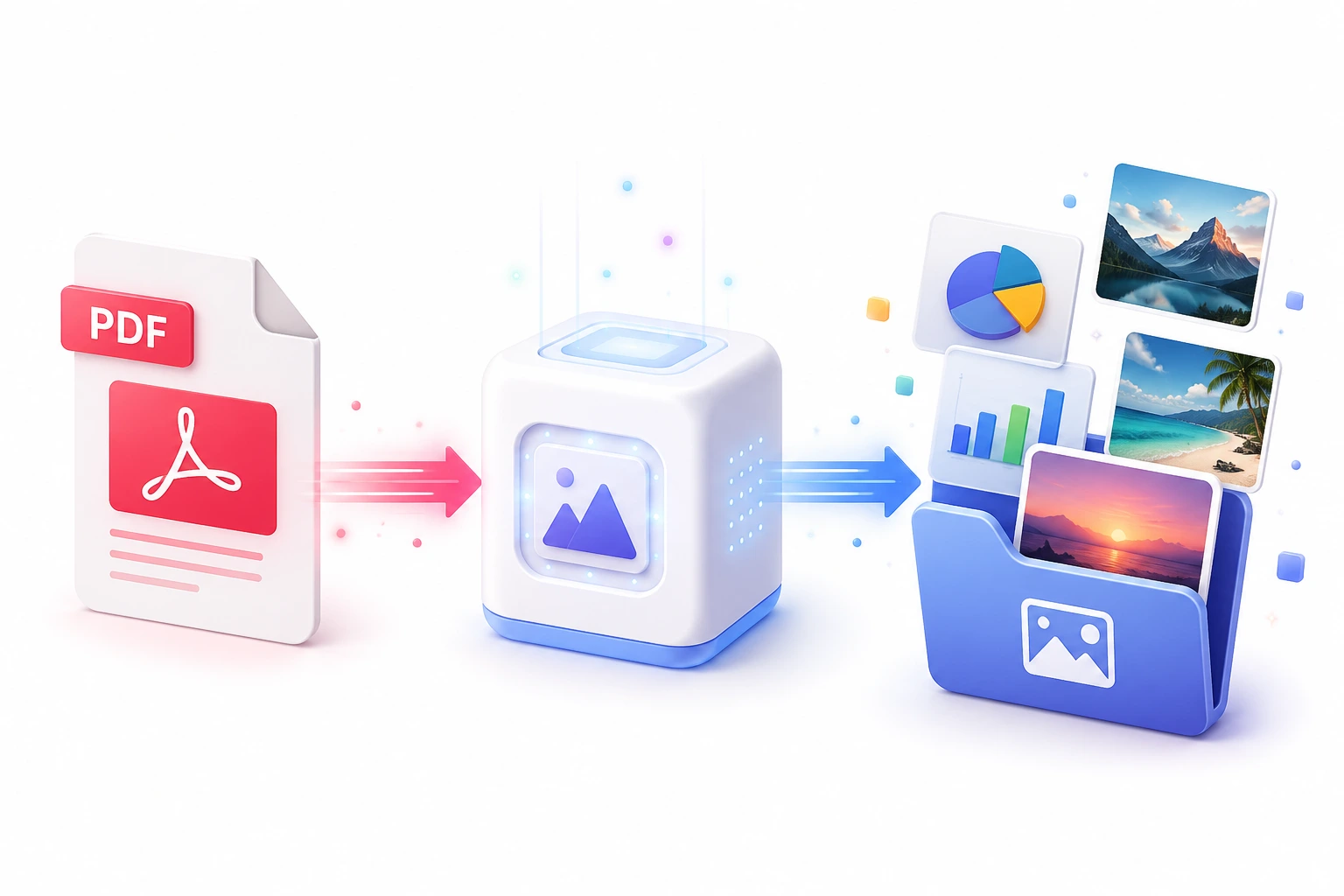
PDFs are the gold standard for sharing finalized documents, but their 'locked' nature makes it incredibly frustrating when you need to repurpose the images inside them. Taking screenshots results in terrible resolution and blurry text. Our PDF Image Extractor uses advanced document parsing algorithms to dive into the PDF's internal structure, isolating raster images, vector graphics, and embedded charts without altering their original quality.
This tool is engineered to handle complex, multi-layered PDFs. Whether it's a beautifully designed magazine layout, a dense academic paper with dozens of charts, or a scanned document, our engine accurately extracts the visual data. It saves you from having to purchase expensive desktop software like Adobe Acrobat Pro just to perform a simple asset extraction.
Top Use Cases for our Extract Images from PDF tool
Print-to-Digital Conversion
Extract high-resolution photography from print-ready PDFs to reuse on websites, blogs, or digital marketing campaigns.
Presentation Building
Grab the exact charts and graphs from a dense financial PDF report to build a clear, visually appealing slide deck.
Archive Digitization
Process scanned historical PDFs by extracting the individual scanned pages as high-quality image files for OCR or archiving.
Who is our Extract Images from PDF tool for?
Recover high-quality assets, vector logos, and photography from finalized client PDFs when the original source files are unavailable.
Processing Engine Stats
High-fidelity extraction at scale
Experience rapid turnaround times with the majority of documents completing in mere seconds, regardless of size or complexity. By leveraging an advanced cloud-based architecture, our system handles rendering, asset extraction, and final formatting concurrently—delivering premium results without the wait.
<29s
Avg. processing time
96%
Layout accuracy
242+
Pages supported
14K+
Files processed
See why users choose us to extract Images from PDF
 InfoBlog
Why use our tool to extract Images from PDF?
Extracts all raster and vector images from PDFs
Preserves original DPI and resolution
Handles complex multi-page documents
Files are automatically deleted after processing.

Works with scanned and digital PDFs
No hidden subscriptions
No sign-up required
Start processing your files immediately. We've removed all friction so you can get your work done faster.
Universal Access
Works beautifully on any device or operating system.
Frequently Asked Questions about Extract Images from PDF
Can this extract images from scanned PDFs?
For scanned PDFs, each page is essentially one large image. Our tool will extract each page as a full-resolution image file.
What image formats will I get?
You will receive images in their original embedded format — typically PNG or JPEG — at full quality.
Is Extract Images from PDF secure to use?
Yes, absolutely. We prioritize your privacy and security. Any files uploaded for processing are automatically and permanently deleted from our servers shortly after your session ends. We do not store, share, or analyze your personal documents.
Do I need to download or install any software to use this tool?
No, Extract Images from PDF is entirely cloud-based. You can access and use all of its features directly from your web browser on any device, without needing to install complicated software or browser extensions.
Can I use Extract Images from PDF on my mobile phone or tablet?
Yes! Our platform is fully responsive and optimized for mobile devices. Whether you are on an iPhone, iPad, or Android device, you can use the tool seamlessly on the go.
Is there a limit on the file size I can upload?
Currently, we support processing files up to 100MB in size. This accommodates the vast majority of standard presentations and documents. If your file is larger, we recommend compressing it before using the tool.
