How to Convert a PDF Report to a LinkedIn Carousel with AI
Upload a PDF report, guide, or whitepaper and use AI to turn the most useful insights into a concise LinkedIn carousel draft.


Drag & drop your file here
or click to browse
AI PowerPoint GeneratorNeed a presentation without starting from scratch?
Instead of staring at a blank slide for hours, let our AI generate a full, beautifully formatted PowerPoint deck for you in seconds.
How to use AI to convert a PDF into a LinkedIn carousel in 3 steps
Turn a long PDF into a shorter, social-first carousel without manually rewriting every section.
Upload Document
Upload a text-based PDF such as a report, guide, ebook, or whitepaper.
AI extracts the most useful ideas and condenses them into a carousel structure.
Download Result
Generate an editable LinkedIn carousel draft you can refine and export.
How the PDF to LinkedIn Carousel tool works
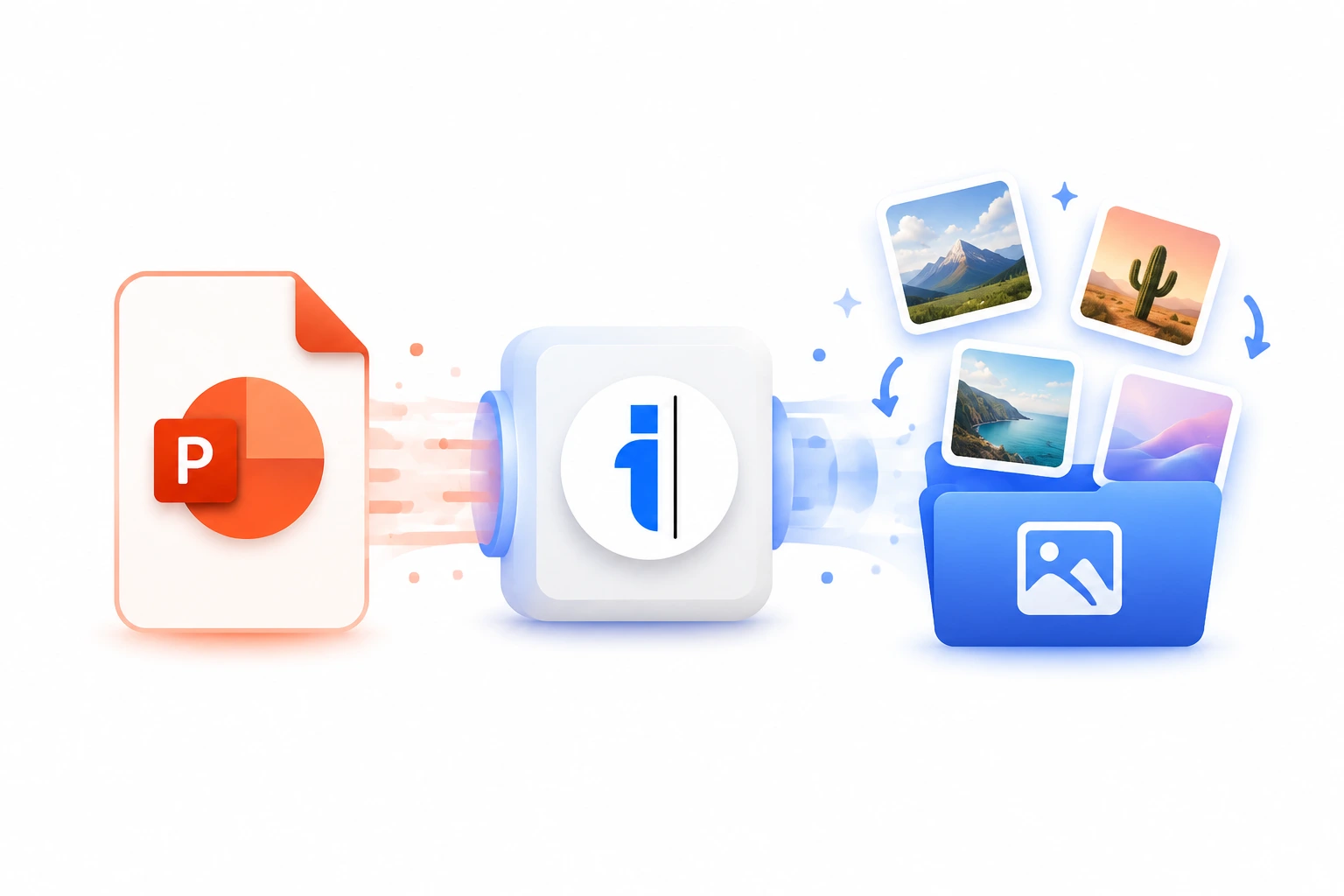
PDFs are often packed with useful insights, but they are usually too dense for a social feed. A strong carousel does not reproduce every page. It extracts the clearest argument, turns the most useful sections into slide-sized ideas, and gives the reader a reason to save the post.
This PDF to LinkedIn carousel converter extracts readable text from your PDF and prepares it for carousel generation. It is designed for reports, whitepapers, ebooks, research summaries, and internal documents that deserve a more digestible social format.
Best ways to turn PDFs into LinkedIn carousels
Summarize long reports
Turn a detailed PDF report into a focused LinkedIn carousel that highlights the main findings.
Repurpose lead magnets
Create social posts from ebooks, guides, and gated content without rebuilding the message from scratch.
Share research clearly
Make academic or industry research easier to understand with a slide-by-slide carousel summary.
Who should use a PDF to LinkedIn Carousel converter?
Turn reports, whitepapers, and ebooks into LinkedIn carousel assets that are easier to scan than a full PDF.
Processing Engine Stats
Secure and rapid ai operations
Our highly optimized ai engine processes your documents locally or through secure edge nodes. Enjoy perfect accuracy without compromising on speed or privacy.
<16s
Avg. processing time
99%
Layout accuracy
432+
Pages supported
25K+
Files processed
See why users choose us to use our PDF to LinkedIn Carousel tool
 InfoBlog
Why use our PDF to LinkedIn Carousel tool?
PDF text extraction
AI carousel structure
Works for reports, ebooks, and whitepapers
Files are automatically deleted after processing.

Editable output
No hidden subscriptions
Optimized for LinkedIn carousels
Start processing your files immediately. We've removed all friction so you can get your work done faster.
Universal Access
Works beautifully on any device or operating system.
Frequently Asked Questions about PDF to LinkedIn Carousel
Does this work with scanned PDFs?
This works best with PDFs that contain selectable text. Scanned PDFs may need OCR first.
Will every page become a slide?
No. The AI summarizes and restructures the PDF into a carousel narrative instead of making one slide per page.
Is PDF to LinkedIn Carousel secure to use?
Yes, absolutely. We prioritize your privacy and security. Any files uploaded for processing are automatically and permanently deleted from our servers shortly after your session ends. We do not store, share, or analyze your personal documents.
Do I need to download or install any software to use this tool?
No, PDF to LinkedIn Carousel is entirely cloud-based. You can access and use all of its features directly from your web browser on any device, without needing to install complicated software or browser extensions.
Can I use PDF to LinkedIn Carousel on my mobile phone or tablet?
Yes! Our platform is fully responsive and optimized for mobile devices. Whether you are on an iPhone, iPad, or Android device, you can use the tool seamlessly on the go.
Is there a limit on the file size I can upload?
Currently, we support processing files up to 50MB in size. This accommodates the vast majority of standard presentations and documents. If your file is larger, we recommend compressing it before using the tool.
