How to Convert a Blog Post to a LinkedIn Carousel with AI
Paste a blog post URL and use AI to turn the article into a LinkedIn carousel with a stronger hook, cleaner slide structure, and concise copy built for saves and swipes. You can also <a href="/tools/convert-blogs-to-infographics" class="text-primary hover:underline">convert blogs to infographics</a> to share on Pinterest or inside the article itself.
 AI PowerPoint Generator
Need a presentation without starting from scratch?
Instead of staring at a blank slide for hours, let our AI generate a full, beautifully formatted PowerPoint deck for you in seconds.
How to use AI to convert blog posts to LinkedIn carousels in 3 steps
Use your existing article as source material, then let AI restructure it into a LinkedIn-ready carousel draft.
Enter URL
Paste the URL of the blog post you want to repurpose.
Blog
AI extracts the core argument, supporting points, examples, and takeaway.
Download Result
Generate an editable LinkedIn carousel draft with a hook, slide flow, and CTA.
How to use the Blog Post to LinkedIn Carousel tool
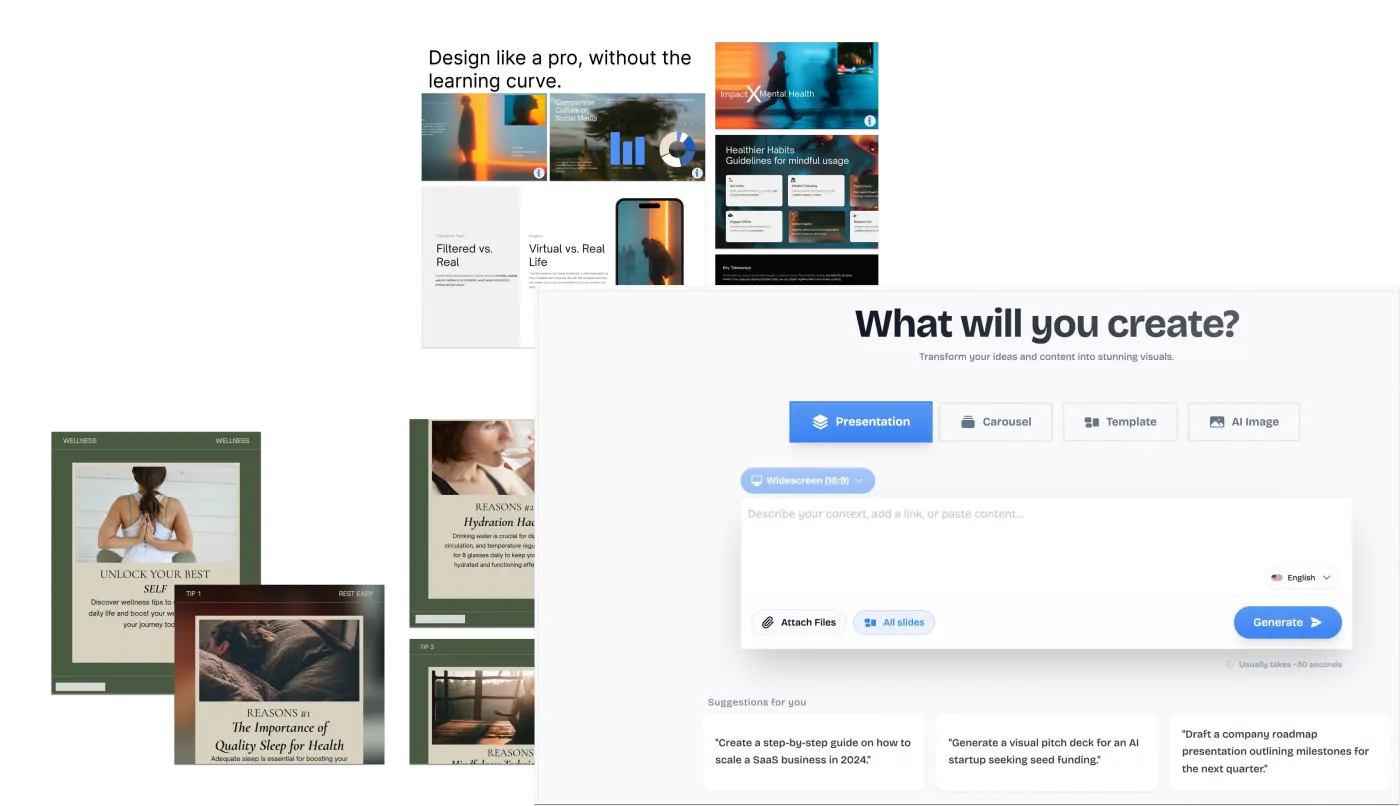
A good blog post already contains the raw material for a strong LinkedIn carousel: a hook, a point of view, examples, and a takeaway. The hard part is not finding ideas. It is compressing a long article into a swipeable format where every slide earns attention and moves the reader forward.
This AI blog post to LinkedIn carousel tool reads your article, identifies the core argument, removes filler, and reshapes the piece into a social-first carousel draft. Instead of copying paragraphs onto slides, it turns the post into a hook, a logical slide sequence, short supporting points, and a closing CTA you can edit before publishing.
Best ways to repurpose a blog post into a LinkedIn carousel
Repurpose SEO content
Turn an article that is already ranking or published into a carousel for LinkedIn distribution.
Extract the main framework
Convert a long how-to article, list post, or opinion piece into a clear slide-by-slide narrative.
Create founder-led posts faster
Use an existing blog post as the source for a carousel that sounds focused, structured, and native to LinkedIn.
Who should use a Blog Post to LinkedIn Carousel converter?
Turn SEO articles into LinkedIn carousel drafts so one blog post can support both search traffic and social distribution.
Processing Engine Stats
Enterprise-grade ai performance
Experience rapid turnaround times with the majority of documents completing in mere seconds, regardless of size or complexity. By leveraging an advanced cloud-based architecture, our system handles rendering, asset extraction, and final formatting concurrently—delivering premium results without the wait.
<23s
Avg. processing time
97%
Layout accuracy
383+
Pages supported
30K+
Files processed
See why users choose us to use our Blog Post to LinkedIn Carousel tool
 InfoBlog
Why use our Blog Post to LinkedIn Carousel tool?
URL-to-carousel conversion
AI hook and slide structure
LinkedIn-friendly pacing
Files are automatically deleted after processing.

Editable carousel output
No hidden subscriptions
Works well for B2B and educational content
Start processing your files immediately. We've removed all friction so you can get your work done faster.
Universal Access
Works beautifully on any device or operating system.
Frequently Asked Questions about Blog Post to LinkedIn Carousel
How many slides should the carousel have?
Most blog posts work best as 7 to 10 slides: one hook, five to eight idea slides, and one CTA or summary slide.
Can I edit the generated carousel?
Yes. The generated carousel opens in InfoBlog so you can edit copy, layout, colors, and export settings before publishing.
Is Blog Post to LinkedIn Carousel secure to use?
Yes, absolutely. We prioritize your privacy and security. Any files uploaded for processing are automatically and permanently deleted from our servers shortly after your session ends. We do not store, share, or analyze your personal documents.
Do I need to download or install any software to use this tool?
No, Blog Post to LinkedIn Carousel is entirely cloud-based. You can access and use all of its features directly from your web browser on any device, without needing to install complicated software or browser extensions.
Can I use Blog Post to LinkedIn Carousel on my mobile phone or tablet?
Yes! Our platform is fully responsive and optimized for mobile devices. Whether you are on an iPhone, iPad, or Android device, you can use the tool seamlessly on the go.
Is there a limit on the file size I can upload?
Currently, we support processing files up to 200MB in size. This accommodates the vast majority of standard presentations and documents. If your file is larger, we recommend compressing it before using the tool.
