Extract Notes from PowerPoint Online for Free
Need to quickly grab all the speaker notes from a PowerPoint presentation? Upload your .pptx and instantly download every speaker note as a clean, organized text file. Perfect for creating study guides, scripts, or meeting summaries.



Drag & drop your file here
or click to browse
AI PowerPoint GeneratorNeed a presentation without starting from scratch?
Instead of staring at a blank slide for hours, let our AI generate a full, beautifully formatted PowerPoint deck for you in seconds.
How to extract Notes from PowerPoint in 3 steps
Three simple steps to get your result instantly.
Upload Document
Upload your .pptx file. Processed locally in your browser for 100% privacy.
Extract
We parse every slide and extract all speaker notes. Our engine instantly analyzes and optimizes your document.
Download Result
Download all notes as a clean, formatted text file. Get your results instantly with no watermarks.
How to extract Notes from PowerPoint
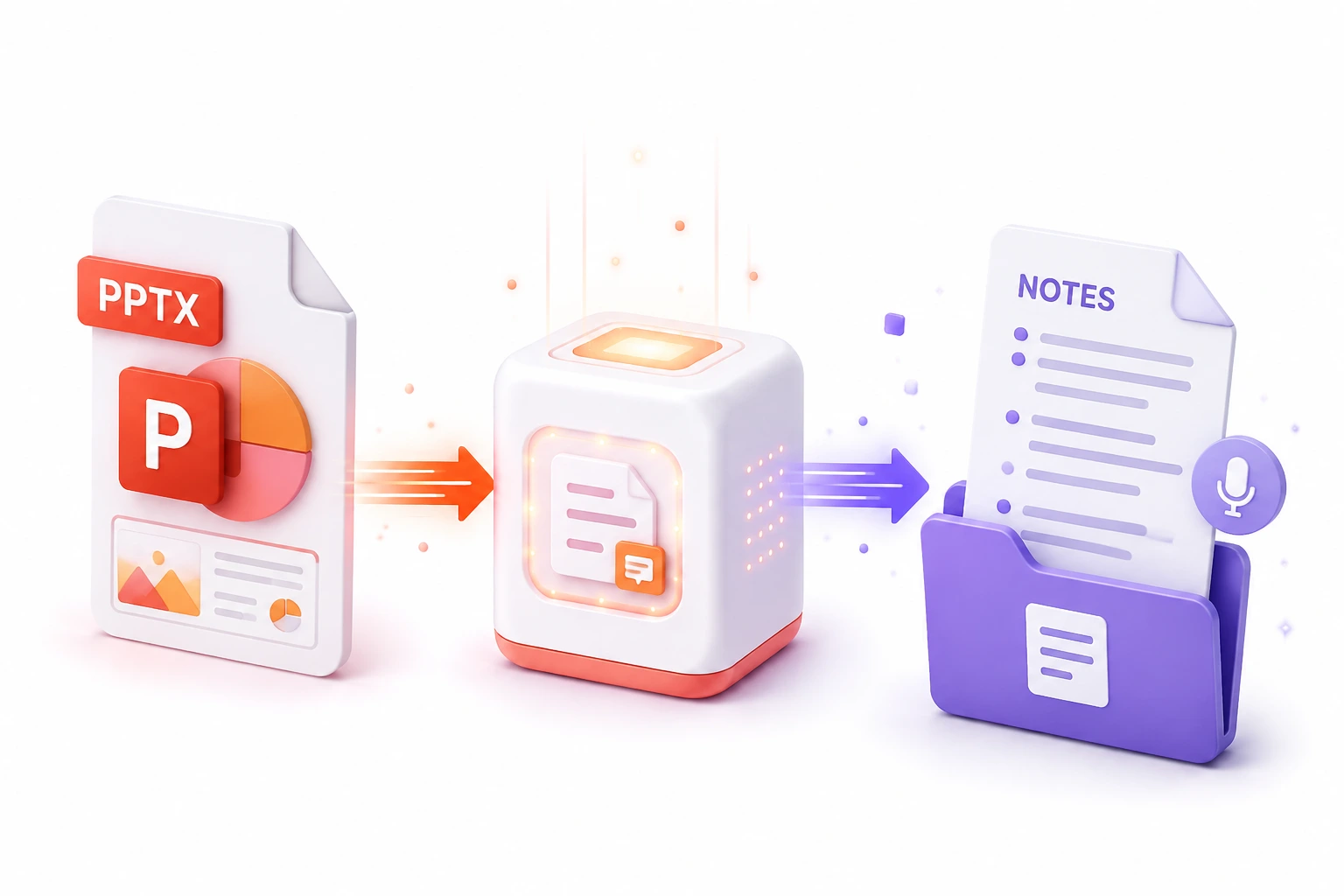
Speaker notes often contain the true value of a presentation—the context, the data, and the narrative that isn't printed on the slides. However, PowerPoint does not offer a simple way to export just the text of your speaker notes into a readable document. Our Extract Notes tool parses the complex XML structure of your presentation and compiles every single speaker note into a clean, brilliantly formatted text file, complete with slide numbers.
Whether you are a student turning lecture slides into a comprehensive study guide, or an executive creating a teleprompter script for a keynote speech, this tool saves hours of tedious copying and pasting. The extraction happens instantly in your browser, guaranteeing the privacy of your confidential scripts and meeting notes.
Top Use Cases for our Extract Notes from PowerPoint tool
Script Preparation
Extract all notes to create a continuous, readable script for webinar recording or voiceover narration.
Meeting Summaries
Export the presenter's notes to quickly generate post-meeting minutes or comprehensive summaries for the team.
Content Archiving
Save the valuable textual context of an old presentation into a searchable database without keeping the massive PPTX file.
Who is our Extract Notes from PowerPoint tool for?
Transform dense lecture slide notes into clean, readable text documents for exam preparation and study guides.
Processing Engine Stats
Enterprise-grade extract performance
Experience rapid turnaround times with the majority of presentations completing in mere seconds, regardless of size or complexity. By leveraging an advanced cloud-based architecture, our system handles rendering, asset extraction, and final formatting concurrently—delivering premium results without the wait.
<29s
Avg. processing time
98%
Layout accuracy
248+
Pages supported
39K+
Files processed
See why users choose us to extract Notes from PowerPoint
 InfoBlog
Why use our tool to extract Notes from PowerPoint?
Extracts notes from every slide in the presentation
Outputs a clean, organized text document
Includes slide numbers for easy reference
Files are automatically deleted after processing.

100% client-side — your file stays private
No hidden subscriptions
No sign-up or email required
Start processing your files immediately. We've removed all friction so you can get your work done faster.
Universal Access
Works beautifully on any device or operating system.
Frequently Asked Questions about Extract Notes from PowerPoint
What format are the notes exported in?
Speaker notes are exported as a clean .txt file, organized by slide number, making it easy to review, share, or repurpose the content.
Does this work with presentations that have no notes?
Yes, the tool will process the file and simply indicate that no speaker notes were found.
Is Extract Notes from PowerPoint secure to use?
Yes, absolutely. We prioritize your privacy and security. Any files uploaded for processing are automatically and permanently deleted from our servers shortly after your session ends. We do not store, share, or analyze your personal documents.
Do I need to download or install any software to use this tool?
No, Extract Notes from PowerPoint is entirely cloud-based. You can access and use all of its features directly from your web browser on any device, without needing to install complicated software or browser extensions.
Can I use Extract Notes from PowerPoint on my mobile phone or tablet?
Yes! Our platform is fully responsive and optimized for mobile devices. Whether you are on an iPhone, iPad, or Android device, you can use the tool seamlessly on the go.
Is there a limit on the file size I can upload?
Currently, we support processing files up to 200MB in size. This accommodates the vast majority of standard presentations and documents. If your file is larger, we recommend compressing it before using the tool.
