Extract Images from PowerPoint Online for Free
Need to quickly pull all images out of a PowerPoint file? Upload your .pptx file and instantly download every single embedded image. Processing happens entirely in your browser — your file never touches a server, keeping your data 100% private and secure.



Drag & drop your file here
or click to browse
AI PowerPoint GeneratorNeed a presentation without starting from scratch?
Instead of staring at a blank slide for hours, let our AI generate a full, beautifully formatted PowerPoint deck for you in seconds.
How to extract Images from PowerPoint in 3 steps
Three simple steps to get your result instantly.
Upload Document
Drag & drop your .pptx file or click to browse. Processed locally in your browser for 100% privacy.
Extract
We unpack the file locally in your browser and scan for all embedded media. Our engine instantly analyzes and optimizes your document.
Download Result
Download all extracted images as a single .zip file instantly. Get your results instantly with no watermarks.
How to extract Images from PowerPoint
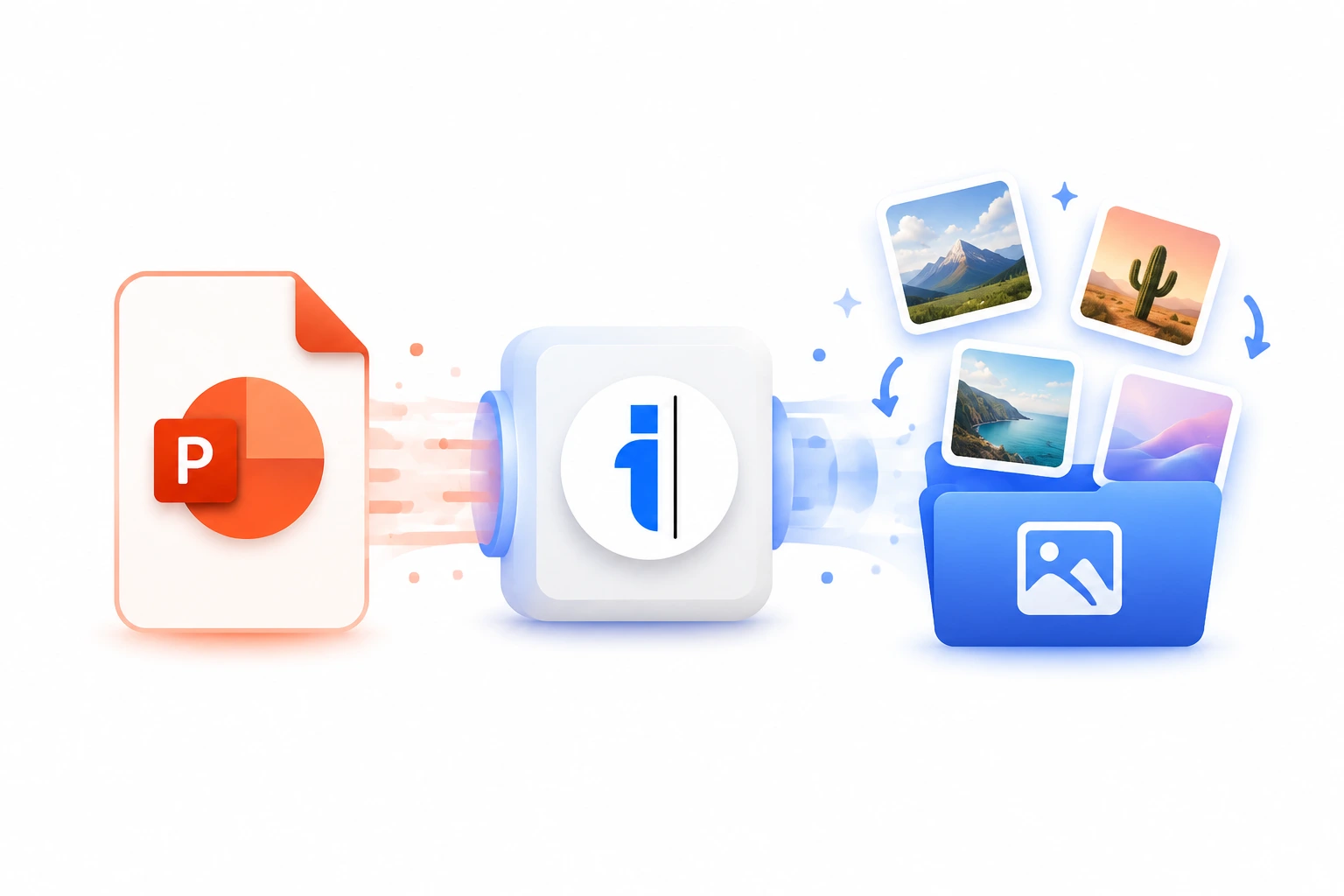
When dealing with massive slide decks, finding and saving every individual image manually is a painstaking process that can take hours. Our free Extract Images from PowerPoint tool completely automates this workflow. Using advanced client-side processing, this tool dissects the underlying XML structure of your .pptx file right inside your web browser. It identifies every embedded visual asset—including PNGs, JPEGs, SVGs, GIFs, and even high-resolution TIFFs—and compiles them into a single, easily downloadable .zip archive.
What sets this tool apart is its uncompromising approach to privacy and speed. Because the extraction engine runs entirely in JavaScript on your own device, your sensitive corporate presentations or personal files are never uploaded to our servers or any third-party cloud. You get instant results without the privacy risks associated with traditional online converters.
Top Use Cases for our Extract Images from PowerPoint tool
Asset Recovery
When the original design files are lost, this tool is the fastest way to recover high-quality branding assets directly from the final PowerPoint deliverable.
Content Repurposing
Easily transition visual content from a static slide format into a web-friendly format by extracting the raw images for use in blog posts, articles, or website galleries.
Presentation Auditing
Review all the visual assets used across a massive 100+ slide presentation in one go by downloading them as a single zip folder for offline review.
Who is our Extract Images from PowerPoint tool for?
Quickly recover original high-resolution assets, logos, and graphics from client presentations to repurpose in social media campaigns or new design files.
Processing Engine Stats
Enterprise-grade extract performance
Whether you're handling a single page or a massive deck, our dedicated infrastructure ensures reliable, instant results for all your extraction needs.
<27s
Avg. processing time
99%
Layout accuracy
330+
Pages supported
22K+
Files processed
See why users choose us to extract Images from PowerPoint
 InfoBlog
Why use our tool to extract Images from PowerPoint?
Extracts PNG, JPEG, SVG, GIF, TIFF, and BMP images
Preserves original image resolution and quality
Works with files up to 200 MB
Files are automatically deleted after processing.

100% client-side — files never leave your device
No hidden subscriptions
No sign-up or email required
Start processing your files immediately. We've removed all friction so you can get your work done faster.
Universal Access
Works beautifully on any device or operating system.
Frequently Asked Questions about Extract Images from PowerPoint
Is it safe to upload my PowerPoint?
Absolutely. Your file is processed entirely inside your web browser using JavaScript. It never gets uploaded to any server. Your data stays completely private on your own device.
What image formats are extracted?
We extract all image formats embedded in the PPTX file including PNG, JPEG, SVG, GIF, TIFF, BMP, and EMF/WMF vector formats.
Is there a file size limit?
We support PowerPoint files up to 200 MB. For larger files, consider splitting your presentation first.
Is Extract Images from PowerPoint secure to use?
Yes, absolutely. We prioritize your privacy and security. Any files uploaded for processing are automatically and permanently deleted from our servers shortly after your session ends. We do not store, share, or analyze your personal documents.
Do I need to download or install any software to use this tool?
No, Extract Images from PowerPoint is entirely cloud-based. You can access and use all of its features directly from your web browser on any device, without needing to install complicated software or browser extensions.
Can I use Extract Images from PowerPoint on my mobile phone or tablet?
Yes! Our platform is fully responsive and optimized for mobile devices. Whether you are on an iPhone, iPad, or Android device, you can use the tool seamlessly on the go.
Is there a limit on the file size I can upload?
Currently, we support processing files up to 200MB in size. This accommodates the vast majority of standard presentations and documents. If your file is larger, we recommend compressing it before using the tool.
