Extract Images from Word Online for Free
Need to grab all the images from a Word document? Upload your .docx file and instantly download every embedded image. Processing happens entirely in your browser — your file is never uploaded to any external server.



Drag & drop your file here
or click to browse
AI PowerPoint GeneratorNeed a presentation without starting from scratch?
Instead of staring at a blank slide for hours, let our AI generate a full, beautifully formatted PowerPoint deck for you in seconds.
How to extract Images from Word in 3 steps
Three simple steps to get your result instantly.
Upload Document
Drag & drop your .docx file or click to browse. Processed locally in your browser for 100% privacy.
Extract
We unpack the file locally in your browser and find all embedded media. Our engine instantly analyzes and optimizes your document.
Download Result
Download all extracted images as a single .zip file. Get your results instantly with no watermarks.
How to extract Images from Word
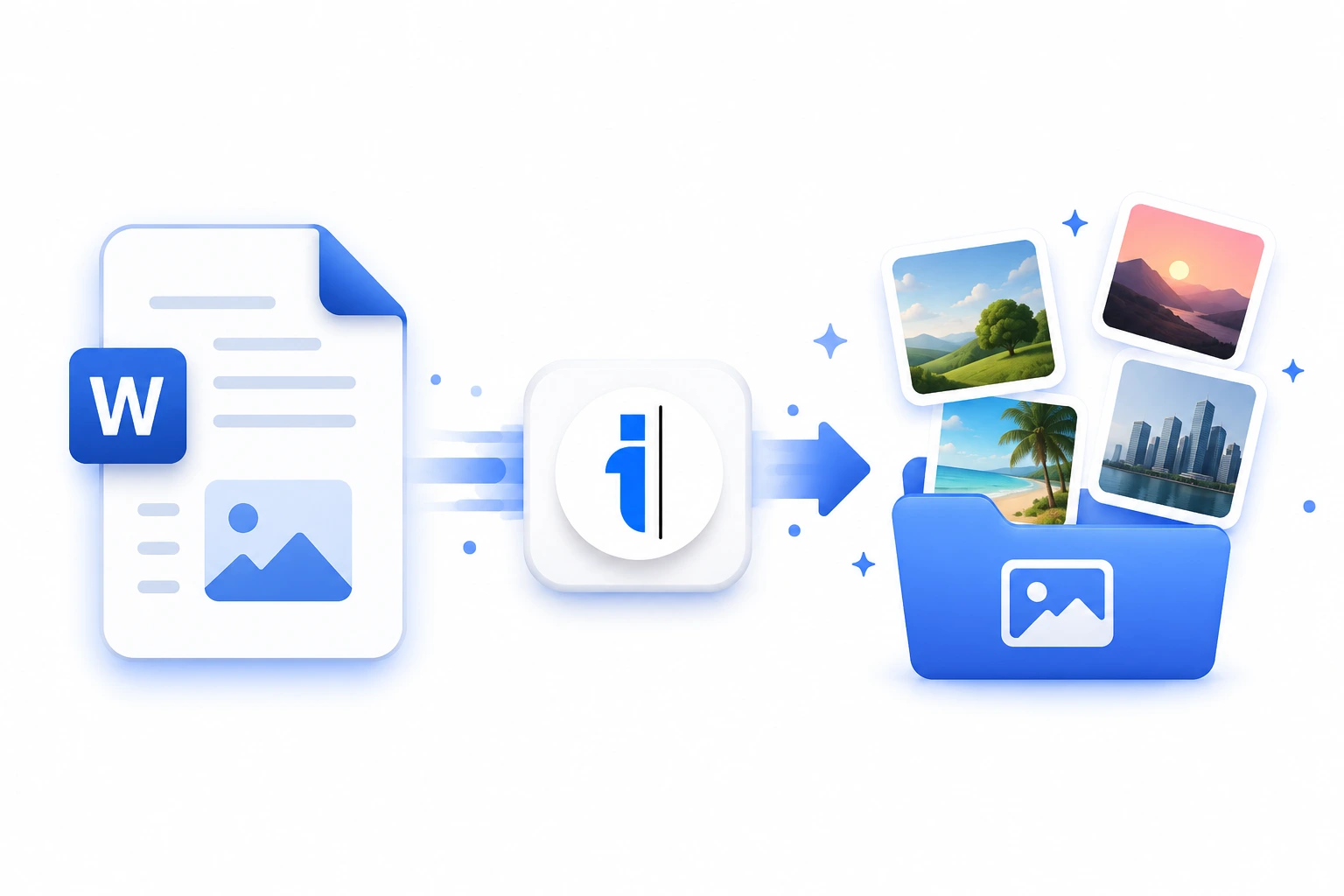
Microsoft Word is the world's most popular word processor, but extracting multiple images from a long .docx file is surprisingly difficult. Right-clicking and saving each image individually is not only tedious but often results in compressed, lower-quality files. Our Extract Images from Word tool solves this problem instantly by utilizing your browser's processing power to unzip the .docx archive format and extract the original, uncompressed image files.
Whether you are dealing with a 5-page report or a 500-page manuscript filled with complex diagrams and high-resolution photographs, this tool guarantees that you get the exact original files that were inserted into the document. Because it processes everything locally, it is lightning fast and completely secure, making it the perfect utility for handling confidential legal documents, unpublished manuscripts, or proprietary business reports.
Top Use Cases for our Extract Images from Word tool
Manuscript Formatting
Separate text and image assets from a master Word document to prepare them for professional typesetting in Adobe InDesign or web publishing.
Client Asset Extraction
When clients send 'all their photos' pasted inside a Word document instead of a proper folder, use this tool to instantly recover the raw image files.
Quality Assurance
Extract all images to verify their raw resolution, color profile, and file size before sending a document to print.
Who is our Extract Images from Word tool for?
Easily pull all manuscript illustrations, cover art drafts, and diagrams from author submissions without degrading image quality.
Processing Engine Stats
Enterprise-grade extract performance
Experience rapid turnaround times with the majority of documents completing in mere seconds, regardless of size or complexity. By leveraging an advanced cloud-based architecture, our system handles rendering, asset extraction, and final formatting concurrently—delivering premium results without the wait.
<16s
Avg. processing time
97%
Layout accuracy
342+
Pages supported
13K+
Files processed
See why users choose us to extract Images from Word
 InfoBlog
Why use our tool to extract Images from Word?
Extracts PNG, JPEG, SVG, GIF, and all embedded image formats
Preserves original image resolution and quality
Works with files up to 200 MB
Files are automatically deleted after processing.

100% client-side processing — complete privacy
No hidden subscriptions
No sign-up or email required
Start processing your files immediately. We've removed all friction so you can get your work done faster.
Universal Access
Works beautifully on any device or operating system.
Frequently Asked Questions about Extract Images from Word
Does this work with .doc files?
This tool supports .docx files (the modern Word format). Older .doc files use a different binary format that cannot be processed in the browser.
Will the image quality be reduced?
No. We extract the original embedded images at their full resolution and quality, exactly as they were inserted into the document.
Is Extract Images from Word secure to use?
Yes, absolutely. We prioritize your privacy and security. Any files uploaded for processing are automatically and permanently deleted from our servers shortly after your session ends. We do not store, share, or analyze your personal documents.
Do I need to download or install any software to use this tool?
No, Extract Images from Word is entirely cloud-based. You can access and use all of its features directly from your web browser on any device, without needing to install complicated software or browser extensions.
Can I use Extract Images from Word on my mobile phone or tablet?
Yes! Our platform is fully responsive and optimized for mobile devices. Whether you are on an iPhone, iPad, or Android device, you can use the tool seamlessly on the go.
Is there a limit on the file size I can upload?
Currently, we support processing files up to 200MB in size. This accommodates the vast majority of standard presentations and documents. If your file is larger, we recommend compressing it before using the tool.
