Merge PowerPoint Files Online for Free
Combine multiple PowerPoint presentations into one master file in seconds. Upload your .pptx files and our intelligent merge engine will combine them while perfectly preserving your slide layouts, formatting, and designs.
Drop your PowerPoint files here
Select 2 or more .pptx files to merge
 AI PowerPoint Generator
Need a presentation without starting from scratch?
Instead of staring at a blank slide for hours, let our AI generate a full, beautifully formatted PowerPoint deck for you in seconds.
How to merge & Combine PowerPoint in 3 steps
Three simple steps to get your result instantly.
Upload Document
Select two or more .pptx files to merge. Processed locally in your browser for 100% privacy.
Merge
Reorder the files to define their final sequence in the combined deck. Our engine instantly analyzes and optimizes your document.
Download Result
Download your new, perfectly formatted master presentation. Get your results instantly with no watermarks.
How to merge & Combine PowerPoint
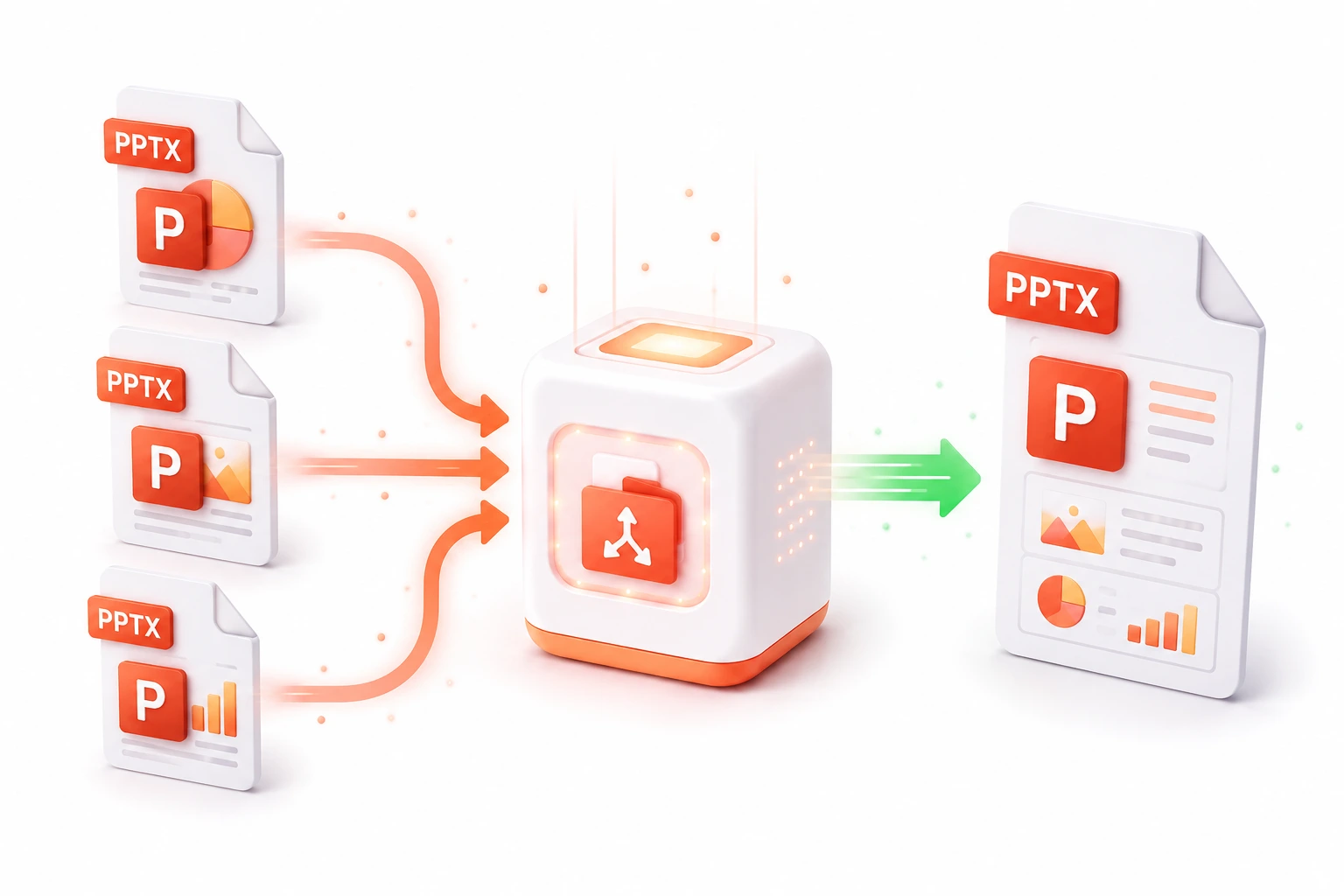
When collaborating with a large team on a massive slide deck, project managers often have to manually copy and paste dozens of slides from multiple team members into a single master presentation. Not only is this tedious, but it frequently results in broken layouts, shifted fonts, and conflicting master slides. Our Merge & Combine PowerPoint tool automates this entire process.
By deeply parsing the underlying XML manifests of your PowerPoint files, our engine seamlessly stitches multiple .pptx archives together. It intelligently handles conflicting slide master themes to ensure that your combined presentation looks perfect. Whether you are assembling a quarterly business review from five different department heads or combining lecture slides into a single semester study guide, this tool saves hours of frustrating manual formatting.
Top Use Cases for our Merge & Combine PowerPoint tool
Team Collaboration
Instead of emailing a master file back and forth, have your team work in parallel on separate files and merge them instantly right before the meeting.
Archive Consolidation
Clean up your cloud storage by combining dozens of related presentation files into a single master archive.
Report Generation
Combine standard legal disclaimers, financial models, and marketing slides into one seamless master deck for distribution.
Who is our Merge & Combine PowerPoint tool for?
Quickly assemble final, master presentations from slides submitted by multiple different team members without breaking formatting.
Processing Engine Stats
Enterprise-grade utility performance
Experience rapid turnaround times with the majority of presentations completing in mere seconds, regardless of size or complexity. By leveraging an advanced cloud-based architecture, our system handles rendering, asset extraction, and final formatting concurrently—delivering premium results without the wait.
<11s
Avg. processing time
96%
Layout accuracy
342+
Pages supported
35K+
Files processed
See why users choose us to merge & Combine PowerPoint
 InfoBlog
Why use our tool to merge & Combine PowerPoint?
Combine unlimited PowerPoint files instantly
Preserves custom slide layouts and master themes
Maintains original slide transitions and animations
Files are automatically deleted after processing.

Fast cloud-based processing
No hidden subscriptions
Completely free to use, no sign-up required
Start processing your files immediately. We've removed all friction so you can get your work done faster.
Universal Access
Works beautifully on any device or operating system.
Frequently Asked Questions about Merge & Combine PowerPoint
Will my custom formatting be broken?
No. Our intelligent merge engine resolves conflicts between different slide master themes so that your custom formatting remains perfectly intact.
Is there a limit to how many files I can merge?
You can merge as many files as you want in a single batch, provided the total combined file size is under our 200MB limit.
Is Merge & Combine PowerPoint secure to use?
Yes, absolutely. We prioritize your privacy and security. Any files uploaded for processing are automatically and permanently deleted from our servers shortly after your session ends. We do not store, share, or analyze your personal documents.
Do I need to download or install any software to use this tool?
No, Merge & Combine PowerPoint is entirely cloud-based. You can access and use all of its features directly from your web browser on any device, without needing to install complicated software or browser extensions.
Can I use Merge & Combine PowerPoint on my mobile phone or tablet?
Yes! Our platform is fully responsive and optimized for mobile devices. Whether you are on an iPhone, iPad, or Android device, you can use the tool seamlessly on the go.
Is there a limit on the file size I can upload?
Currently, we support processing files up to 200MB in size. This accommodates the vast majority of standard presentations and documents. If your file is larger, we recommend compressing it before using the tool.
