How to Write Better LinkedIn Carousel Hooks with AI
Enter your carousel topic and use AI to generate sharper first-slide hooks that make the value clear and give people a reason to swipe.
 AI PowerPoint Generator
Need a presentation without starting from scratch?
Instead of staring at a blank slide for hours, let our AI generate a full, beautifully formatted PowerPoint deck for you in seconds.
How to use AI to write LinkedIn carousel hooks in 3 steps
Start with a topic, compare multiple hook angles, then turn the strongest first slide into a full carousel.
Upload Document
Describe the carousel topic, audience, or point of view.
AI generates several first-slide hook angles with different framing.
Download Result
Choose the strongest hook and generate an editable LinkedIn carousel.
How the LinkedIn Carousel Hook Generator works
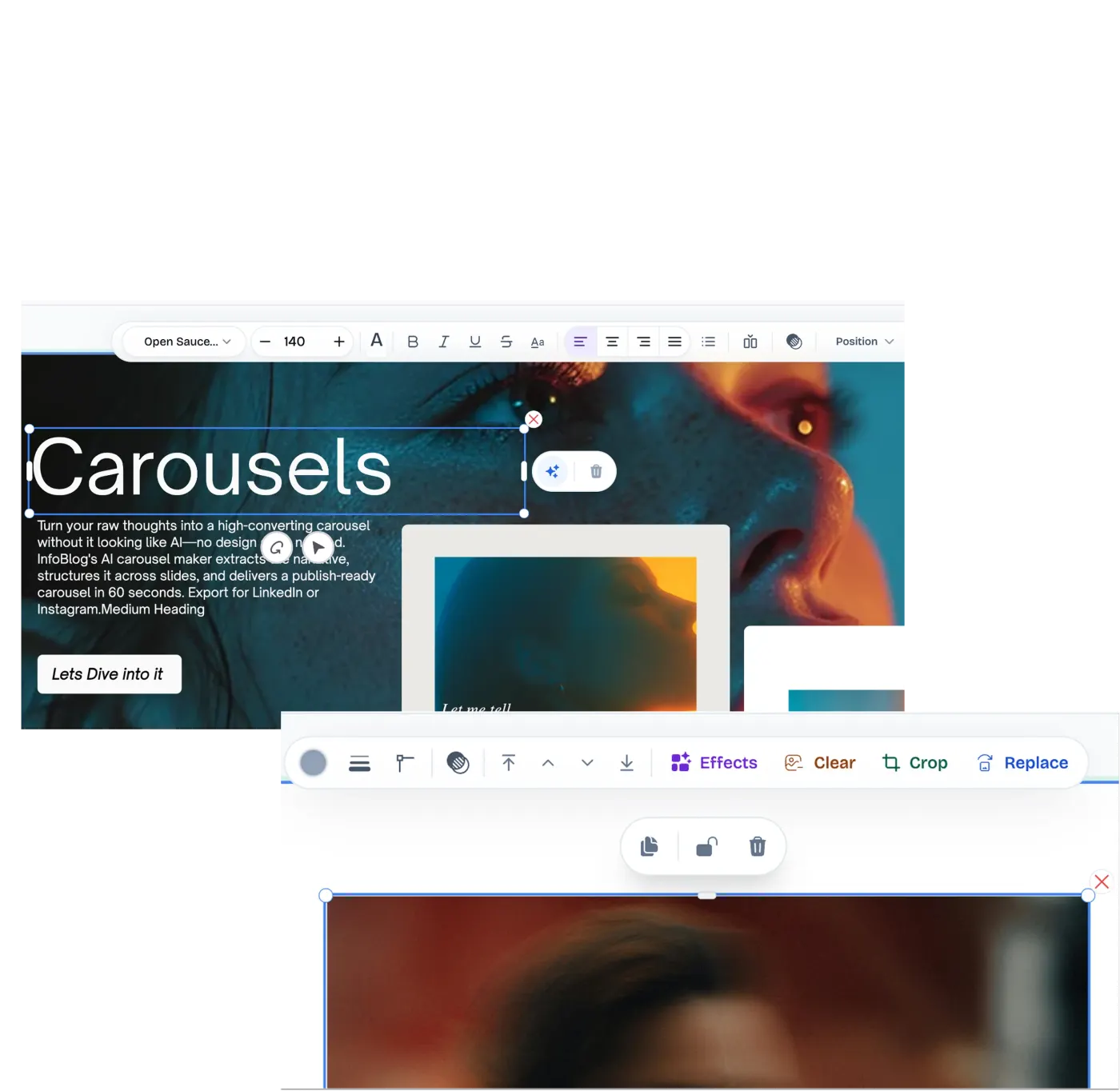
The first slide is the gatekeeper for the entire carousel. If the hook is vague, the rest of the work does not matter. A useful hook names the audience, frames the problem, and promises a specific payoff in language that is easy to understand at feed speed.
This LinkedIn carousel hook generator helps you explore stronger angles before you design the carousel. Use it to generate contrarian hooks, mistake hooks, how-to hooks, data hooks, and curiosity hooks, then turn the strongest direction into a full carousel draft.
Best ways to use AI-generated carousel hooks
Generate first-slide ideas
Create multiple hook options before designing the carousel.
Test content angles
Compare curiosity, mistake, contrarian, and how-to angles for the same carousel topic.
Beat writer's block
Move from a vague topic to a strong opening line quickly.
Who should use a LinkedIn Carousel Hook Generator?
Create stronger first slides for educational, tactical, and thought-leadership carousels.
Processing Engine Stats
Secure and rapid ai operations
Whether you're handling a single page or a massive deck, our dedicated infrastructure ensures reliable, instant results for all your processing needs.
<15s
Avg. processing time
99%
Layout accuracy
466+
Pages supported
10K+
Files processed
See why users choose us to use our LinkedIn Carousel Hook Generator tool
 InfoBlog
Why use our LinkedIn Carousel Hook Generator?
Hook ideas for LinkedIn carousels
Multiple angle types
Built for first-slide clarity
Files are automatically deleted after processing.

Pairs with InfoBlog carousel generation
No hidden subscriptions
No design skills required
Start processing your files immediately. We've removed all friction so you can get your work done faster.
Universal Access
Works beautifully on any device or operating system.
Frequently Asked Questions about LinkedIn Carousel Hook Generator
What makes a good carousel hook?
A good hook is specific, easy to understand quickly, and gives the reader a reason to swipe for the payoff.
Can this generate the full carousel too?
Yes. After entering your topic, InfoBlog can use the hook direction to generate an editable carousel.
Is LinkedIn Carousel Hook Generator secure to use?
Yes, absolutely. We prioritize your privacy and security. Any files uploaded for processing are automatically and permanently deleted from our servers shortly after your session ends. We do not store, share, or analyze your personal documents.
Do I need to download or install any software to use this tool?
No, LinkedIn Carousel Hook Generator is entirely cloud-based. You can access and use all of its features directly from your web browser on any device, without needing to install complicated software or browser extensions.
Can I use LinkedIn Carousel Hook Generator on my mobile phone or tablet?
Yes! Our platform is fully responsive and optimized for mobile devices. Whether you are on an iPhone, iPad, or Android device, you can use the tool seamlessly on the go.
Is there a limit on the file size I can upload?
Currently, we support processing files up to 200MB in size. This accommodates the vast majority of standard presentations and documents. If your file is larger, we recommend compressing it before using the tool.
