Convert YouTube to PowerPoint Online for Free
Paste any YouTube link, and our AI will watch the video, extract the key concepts, and generate a fully designed, ready-to-present PowerPoint slide deck in seconds.
 AI PowerPoint Generator
Need a presentation without starting from scratch?
Instead of staring at a blank slide for hours, let our AI generate a full, beautifully formatted PowerPoint deck for you in seconds.
How to convert YouTube to PowerPoint in 3 steps
Three simple steps to get your result instantly.
Enter URL
Paste the URL of any YouTube video. Processed locally in your browser for 100% privacy.
Convert
Our AI analyzes the transcript and summarizes key points. Our engine instantly analyzes and optimizes your document.
Download Result
Download a fully designed PowerPoint deck of the video. Get your results instantly with no watermarks.
How to convert YouTube to PowerPoint
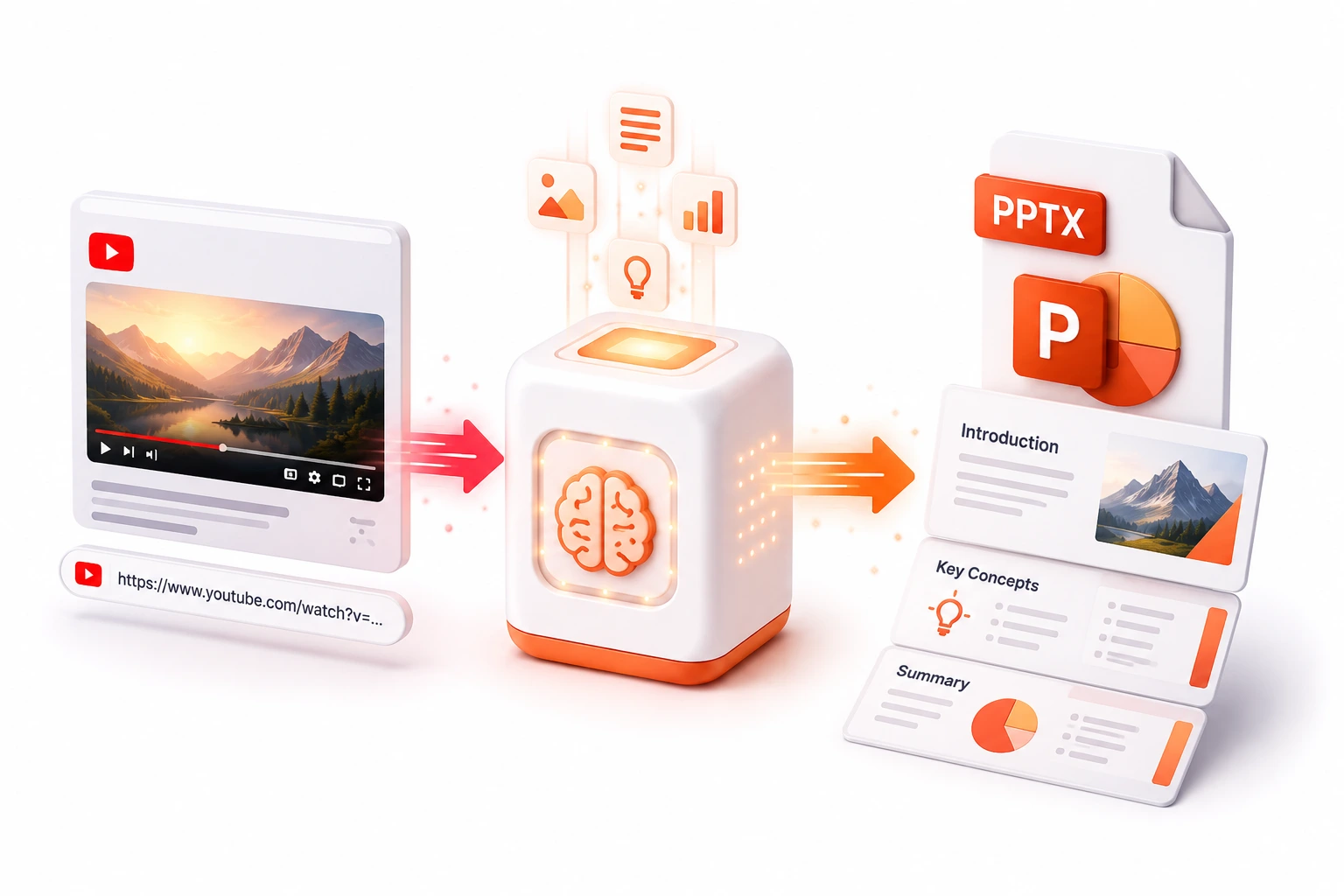
Some of the world's best educational content, lectures, and tutorials exist only as YouTube videos. But what if you need to present those concepts in a meeting, or study them offline? Watching a 40-minute video to take notes is incredibly time-consuming. Our YouTube to PowerPoint AI converter instantly bridges the gap between video content and structured presentations.
Simply paste a YouTube URL, and our AI engine goes to work. It downloads the video transcript, uses advanced Large Language Models to summarize the core arguments, and structures them into a logical presentation narrative. It then automatically generates a beautifully designed PowerPoint deck, complete with titles, bullet points, and AI-generated relevant imagery. It transforms an hour of passive viewing into a professional, actionable slide deck in less than a minute.
Top Use Cases for our YouTube to PowerPoint converter
Study Material Generation
Paste a link to a crash-course video and get a slide deck that highlights the most important facts for quick exam review.
Meeting Preparation
Summarize a lengthy industry webinar video into a 5-slide deck to quickly share the key takeaways with your management team.
Content Repurposing
Turn your own YouTube vlog or tutorial into a presentation format to share on LinkedIn or feature on your blog.
Who is our YouTube to PowerPoint converter for?
Convert long, complex university lecture recordings on YouTube into concise, easy-to-study slide decks.
Processing Engine Stats
Enterprise-grade ai performance
Experience rapid turnaround times with the majority of presentations completing in mere seconds, regardless of size or complexity. By leveraging an advanced cloud-based architecture, our system handles rendering, asset extraction, and final formatting concurrently—delivering premium results without the wait.
<12s
Avg. processing time
96%
Layout accuracy
361+
Pages supported
10K+
Files processed
See why users choose us to convert YouTube to PowerPoint
 InfoBlog
Why use our YouTube to PowerPoint converter?
Works with any public YouTube video with captions
AI-generated summaries and logical slide structuring
Automatically applies professional slide designs
Files are automatically deleted after processing.

Includes AI-generated relevant imagery
No hidden subscriptions
Saves hours of manual note-taking
Start processing your files immediately. We've removed all friction so you can get your work done faster.
Universal Access
Works beautifully on any device or operating system.
Frequently Asked Questions about Convert YouTube to PowerPoint
Does it work with videos that don't have captions?
Currently, our AI relies on the video's transcript (either auto-generated by YouTube or manually uploaded) to accurately summarize the content and generate the slides.
Is Convert YouTube to PowerPoint secure to use?
Yes, absolutely. We prioritize your privacy and security. Any files uploaded for processing are automatically and permanently deleted from our servers shortly after your session ends. We do not store, share, or analyze your personal documents.
Do I need to download or install any software to use this tool?
No, Convert YouTube to PowerPoint is entirely cloud-based. You can access and use all of its features directly from your web browser on any device, without needing to install complicated software or browser extensions.
Can I use Convert YouTube to PowerPoint on my mobile phone or tablet?
Yes! Our platform is fully responsive and optimized for mobile devices. Whether you are on an iPhone, iPad, or Android device, you can use the tool seamlessly on the go.
Is there a limit on the file size I can upload?
Currently, we support processing files up to 200MB in size. This accommodates the vast majority of standard presentations and documents. If your file is larger, we recommend compressing it before using the tool.
