Most content gets used once.
You write a blog post, hit publish, share it once on social media, and move on to the next one. The post sits on your site, occasionally picked up by search traffic, but the ideas inside it — the research, the structure, the argument you spent hours refining — never travel beyond that single page.
That's not a writing problem. It's a distribution problem, and it's one of the most common reasons content marketing underperforms relative to the effort put into it.
The fix isn't writing more. It's recognizing that one well-structured blog post already contains the raw material for several other formats — and that converting between formats is now fast enough to be worth doing for almost everything you publish.
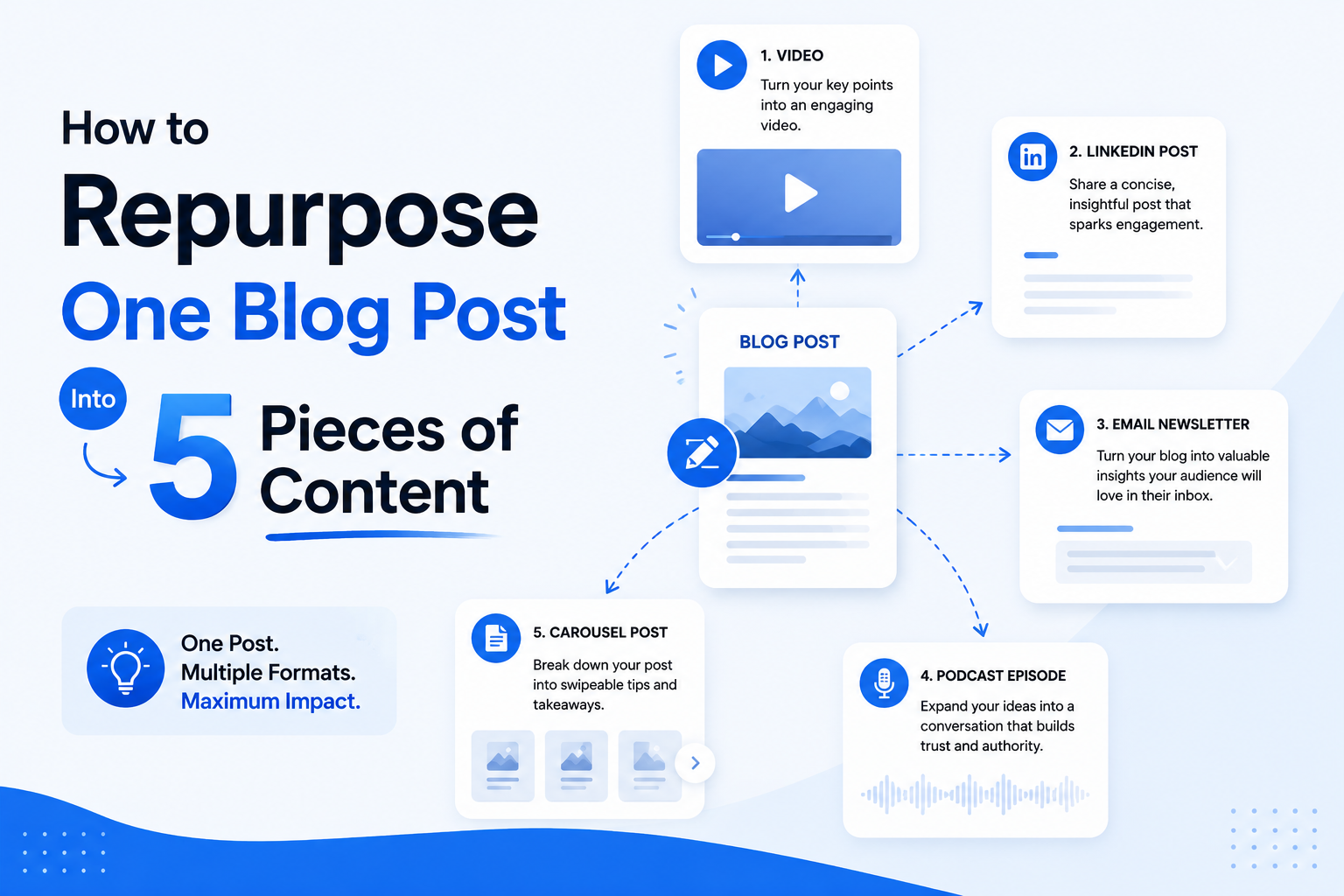
Here's a practical framework: one blog post, five formats.
1. The Presentation
Most blog posts — especially how-to guides, frameworks, and opinion pieces — already have a structure that maps naturally onto slides: an opening hook, a series of supporting points, and a conclusion.
Turning that structure into a presentation is useful for more than internal use. A blog post about your product's approach to a problem becomes a sales deck. A "how we think about X" post becomes a webinar outline. A data-driven article becomes a client presentation.
The key is that you're not starting from scratch — the argument, the supporting points, and often the data are already written. An AI presentation maker can take the blog post directly and restructure it into a slide sequence, which means this format requires the least additional work of the five.
2. The LinkedIn Carousel
If the presentation format works for longer-form, sit-down audiences, the carousel is its opposite: built for someone scrolling, with about two seconds to earn their attention before they swipe past.
A carousel doesn't need your entire argument — it needs the most compelling 60-80% of it, broken into single ideas per slide, with a strong hook on slide one and a clear takeaway or call to action at the end.
The best candidates for carousel conversion are usually list-based posts ("5 ways to," "the framework for"), posts with a strong contrarian or surprising claim, or posts built around a single core statistic. An AI carousel maker can extract that structure from the original post and generate a swipeable slide sequence automatically.
3. The Email Newsletter
A blog post and a newsletter serve different relationships with the reader. A blog post is found; a newsletter is delivered to someone who already opted in to hear from you. That changes the tone — newsletters tend to be more conversational, often framed as "here's something I've been thinking about" rather than a formal article.
Repurposing a blog post into a newsletter usually means: trimming it to its core argument, adding a more personal framing (why this topic, why now), and ending with a more direct point of view than the blog post might have included. The content is the same; the voice shifts slightly toward the reader you already have a relationship with.
4. Social Media Posts (Beyond the Carousel)
A single blog post can usually generate multiple standalone social posts, each built around a different angle from the same source material.
A few patterns that work well: pull out the single most counterintuitive point and frame it as a standalone claim. Take a statistic or data point from the post and present it on its own. Turn a list from the post ("5 mistakes," "3 signs") into a numbered thread. Extract a quote-worthy line and present it as a standalone statement.
The goal isn't to summarize the whole post in each one — it's to extract individual ideas that can stand alone, each one potentially driving readers back to the full article for more depth.
5. An Infographic or Visual Summary
Some blog posts contain information that's genuinely easier to understand visually than as prose — a process with several steps, a comparison between options, a framework with named stages, or a set of statistics that tell a story together.
If your post includes any of these elements, a visual summary or infographic can communicate the same information faster and is highly shareable in formats text alone doesn't work for — Pinterest, internal documentation, or as a standalone graphic embedded back into the original post (which also benefits the post's SEO and time-on-page).
Putting the Framework Into Practice
The reason most people don't do this isn't that they don't see the value — it's that doing it manually, for every post, doesn't scale. Building a presentation, a carousel, a newsletter version, social posts, and a graphic from a single article could easily take longer than writing the article itself.
That's the gap AI repurposing tools are built to close. Rather than five separate manual projects, the workflow becomes: write the blog post once, then run it through an AI content repurposing engine to generate the presentation and carousel versions directly from the source content — leaving the newsletter, social posts, and any additional framing as lighter, faster edits rather than full rebuilds.
Which Posts Are Worth Repurposing?
Not every post needs all five treatments, and not every post is a good candidate for repurposing at all. The best candidates tend to share a few traits: they perform well on your site already (repurposing amplifies existing signal, it doesn't create it from nothing), they have a clear structure (lists, steps, frameworks translate best), and they're evergreen rather than time-sensitive (a repurposed post about a single news event has a shorter shelf life across every format).
If you're starting out, pick your three best-performing posts from the last six months and run each through this framework. That's 15 pieces of content from material you've already written — without writing anything new.
Final Thoughts
The content marketing advice to "publish more" often misses what's actually underused: most teams have more publishable material sitting in their existing content than they realize. The blog post you published last month might already be a presentation, a carousel, and three social posts — it just hasn't been translated yet.
Repurposing isn't a separate content strategy. It's what makes your existing content strategy go further, with the writing already done.